The complete academic journal system for peer-reviewed journals
Submissions, peer review, editorial decisions, DOI registration and the PDF issue in one place. Editors, reviewers and authors meet in the same submission file instead of email threads and spreadsheets.
Available in the cloud or on your institution's own servers.
Editorial desk
9 manuscripts under review, 1 overdue
1/7DeskSee at a glance which submissions are waiting and which are late.
Built on the standards of scholarly publishing
- Crossref
- ORCID
- DOAJ
- OAI-PMH
- JATS
- ROR
- Dublin Core
From submission to publication: seven stages, one record
A manuscript keeps the same record from the moment it enters JournalOS to the day it is published. At every stage, it is clear who does what, and by when.
- 1SubmissionAuthors upload files and declarations in one form, and can link their ORCID iD.
- 2ScreeningScope, formatting and similarity checks. If anything is missing, you return the submission to the author in a single step.
- 3Peer reviewReviewer suggestions, invitations, reminders and a structured review form.
- 4RevisionAuthors upload the revised manuscript, with a response letter, to the same record.
- 5DecisionA reasoned decision letter with the reports attached, prepared from a template.
- 6ProductionThe reading PDF, which opens with an imprint page, and the JATS XML are prepared. The article is then assigned to an issue or to early view.
- 7PublicationThe article page goes live, the DOI deposit is queued and the records that indexes read are updated.
Editorial management and publishing, in one piece of software
What you need for a decision, on one screen
Review reports, the author's responses and earlier versions appear next to the manuscript. You make the decision; the letter is drafted from a template and the reports are attached. In blind review, reviewer identities are removed.
- Your journal's own letter templates for acceptance, revision and rejection
- Assignment to section editors, and the journal's own decision rules
- A record of every decision and change
Finding and tracking reviewers is no longer an e-mail job
Reviewer suggestions match the submission's keywords against reviewer profiles and weigh each reviewer's workload and track record. The system manages invitations, reminders and due dates; you act only on what is overdue.
- Single-blind, double-blind and open review
- Invitations with a single link, and a structured review form
- A verifiable reviewer certificate for the year's reviews
Your journal website, ready with nothing to install
Article, issue, archive, editorial board and policy pages come with the journal. You open the website to readers once you have set it up. The site is mobile-first and multilingual; an issue's cover is built from its details, or you upload your own.
- Your own domain, with an automatic HTTPS certificate
- Citation downloads and sharing on every article
- Metadata that indexes and search engines read
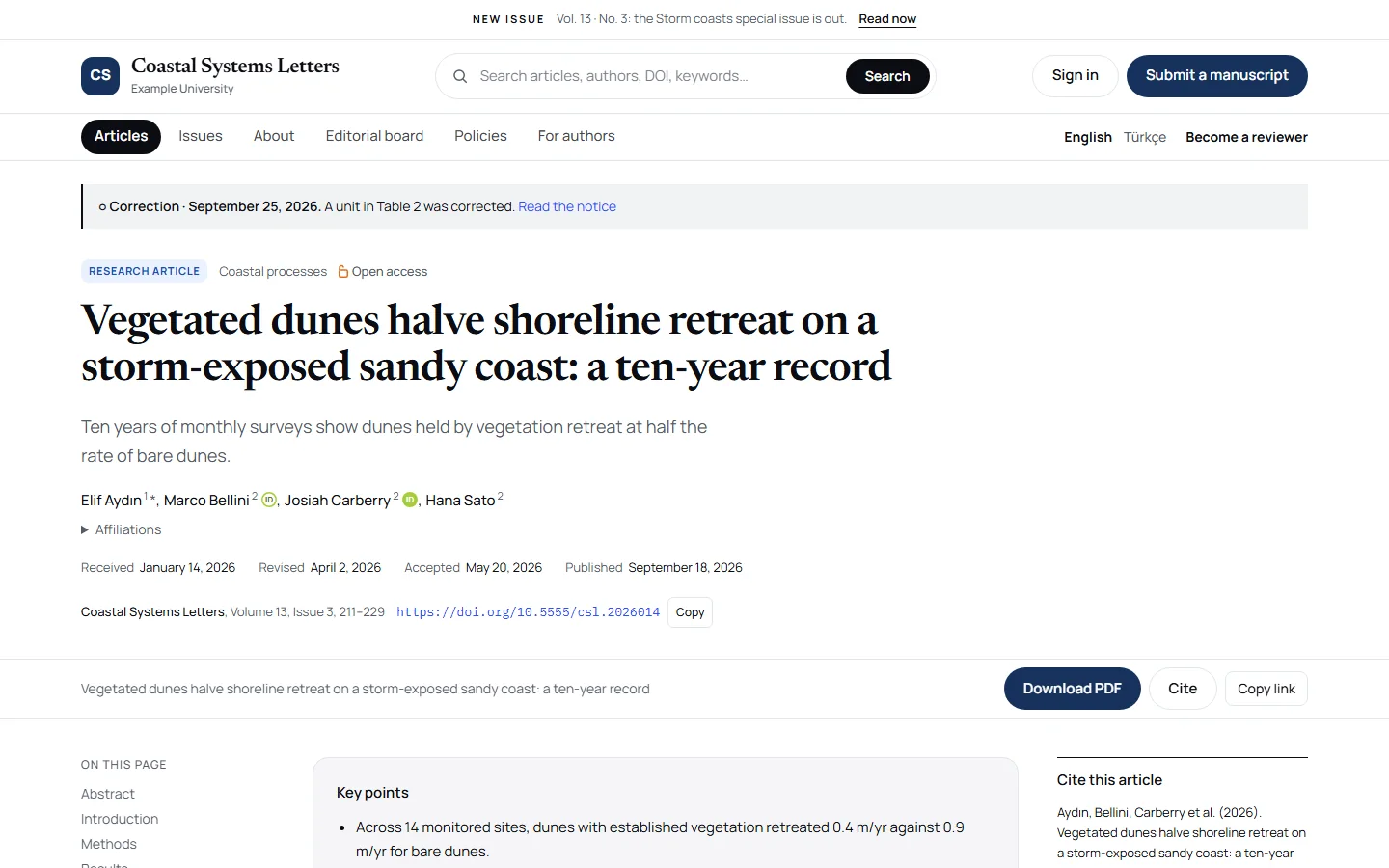

DOI and index records, ready on publication
When you press Publish, the Crossref deposit is queued under your journal's own DOI prefix and sent within minutes. OAI-PMH records and Google Scholar tags are updated at once, and for journals listed in DOAJ the article is sent to DOAJ as well.
- Crossref DOIs, with references in the deposit
- Metadata ready for DOAJ, OAI-PMH and TR Dizin
- JATS XML for articles with full text
Everyone involved in a journal, in one system
Editors
Screening, reviewer assignment, revision rounds and editorial decisions, all in one place.
Reviewers
An invitation with a single link, a clear due date and a structured review form.
Authors
Submit through one form, see which stage the manuscript has reached and upload revisions to the same record.
Readers and indexes
Article pages that are easy to read on a phone, citation downloads and complete metadata for indexes.
All your institution's journals in one panel, with the data under your control
Your institution's journals are grouped under one account. An institution administrator has administrator rights in every journal, sets up new journals in the institution's name and copies shared settings from one journal to others. Each journal still publishes under its own title, on its own domain.
Your data remains yours. JournalOS uses journal content only to provide the service. It shares content with third parties only through services that the journal or its institution turns on.
One database per journal
Each journal has its own database; no data is shared between journals.
A tamper-evident audit trail
Every change is recorded in an audit log whose entries are chained together.
Institutional sign-in
Sign in with university accounts over OpenID Connect, or with SAML and LDAP through a broker such as Keycloak.
Two-step verification
Always required for editors, journal managers and institution administrators.
Full export
All records, files and metadata in open formats, in a single package.
On your own servers
The whole product can run on your institution's infrastructure, with the same features.
Your journal, live in four steps
On the cloud plan you need no installation, no servers and no technical team.
- Step 1
Create your journal
Enter the journal's name and languages. Its website is ready immediately, and you open it to readers when you have finished setting it up.
- Step 2
Add your team
Editors create an account on the journal website, and you give them their roles. Reviewers are invited by e-mail with a single link.
- Step 3
Connect your domain
Add your domain in the panel, then point your university subdomain to JournalOS with a single DNS record. The HTTPS certificate is issued automatically.
- Step 4
Publish your first article
Receive the submission, run peer review and accept the manuscript. On publication the DOI deposit is queued and the index records are updated.
One product, three ways to run it
Every plan has the same software and the same features. What changes is where the software runs and how many journals each plan holds.
Single journal
One journal in the cloud, with its own website, ready the same day.
$99a month$990 when paid yearly
- Submissions, peer review and the editorial desk
- A journal website on your own domain
- Crossref DOIs and index metadata
- Maintenance, backups and updates handled by us
Institution
All of a university's journals in one place.
By quoteBased on the number of journals
- Everything in the Single journal plan
- All the institution's journals in one account
- Institutional sign-in (OpenID Connect, or SAML through a broker)
- An institution-wide report and shared settings
Self-hosted
The whole product on your institution's infrastructure.
By quoteBased on installation and support
- The same features as the cloud version
- Data stays in your own data centre
- Versioned installation and update packages
- Backup and restore tools included
Institutions can support academic journals
A company, public body, foundation or university covers a journal's yearly JournalOS plan, and the journal uses the platform free of charge. We bring supporters and journals together.
The programme's first supporter is Türk SEM, which covers the JournalOS plan of five academic journals.
Editorial independence
The supporter has no part in peer review, decisions or which articles are published, and receives no data of authors, reviewers or readers.
Free for the journal
The journal uses its own site, the whole process from submission to publication, and support free of charge for a year. The supporter is invoiced.
Openly stated
The support is stated in one line in the footer and on the about page of the journal's site. No logo, no link, no advertising.
Editors' questions
The questions editors ask most often before moving to JournalOS.
Can we move from DergiPark or OJS?
Yes. From OJS, you can import issues, articles and PDFs. From DergiPark, you can import article metadata, with each article's references and its received and accepted dates, and, optionally, the PDFs. Existing DOIs are kept. Once the journal's old domain points to JournalOS, its old OJS addresses redirect permanently to the new pages.
Can the journal use our university's domain?
Yes. You add the domain in the journal's panel, and the panel shows the DNS records to create: one for a subdomain, two for a root domain. Once the domain points to JournalOS, the HTTPS certificate is issued automatically. Until then, the journal runs at its journalos.org address.
Where is our data stored?
Each journal's data is stored in its own database, in the region where the platform runs. Institutions can also run JournalOS entirely on their own servers.
Do we need our own Crossref membership for DOIs?
Yes. DOIs are registered under your journal's own Crossref prefix, and JournalOS deposits the metadata through your journal's Crossref account.
Can we take our data and leave?
Yes. The journal manager can download a full export package from the panel. It contains every record in CSV and JSON, the journal's files, JATS XML for articles that have full text, and a checksum list to verify the package.
Does it help us apply to TR Dizin?
Yes, it helps you prepare. JournalOS provides Turkish and English templates for the publication policy, ethics and peer-review pages. The journal completes them with its own details and publishes them. It also includes a compliance check against the TR Dizin criteria. The decision to index the journal rests with ULAKBİM.
Publish your next issue on JournalOS
Create your journal, invite your editorial board and publish your first article on your own domain. If you would like to see it first, browse the sample journal website.
A journal without a website of its own? Apply to the founding journal programme