JournalOS press kit
Our logos, colours and typefaces. You are welcome to use the files on this page in news coverage, presentations and partner materials.
Logos
All files are vector graphics (SVG), so they stay sharp at any size. Use the navy version on light backgrounds and the white version on dark backgrounds.
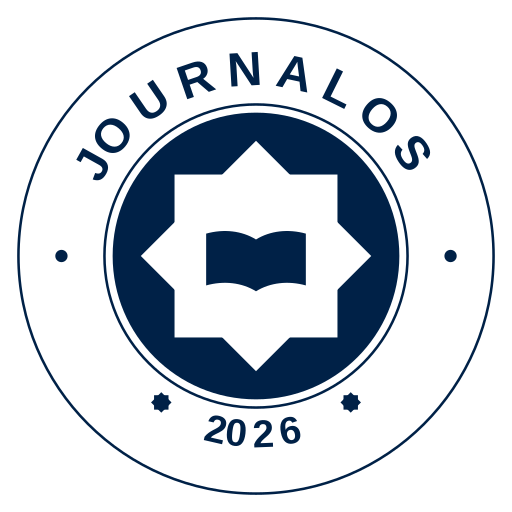
Seal
The full emblem, for documents, certificates and large formats.

Seal, white
For dark and navy backgrounds.
Emblem
Without lettering, for small spaces and for use inside the product.

Emblem, white
For dark backgrounds.

Square icon
For social media profiles, app icons and other square spaces.

Horizontal logo
For website headers and other narrow, horizontal spaces.

Horizontal logo, white
For dark backgrounds.

Institutional logo
The seal with the name and descriptor, for formal letters and presentations.

Institutional logo, white
For dark backgrounds.

The JournalOS name in the logos is set in Manrope. If Manrope is not installed on your computer, install it before you open the files.
Colours
JournalOS uses a single accent colour: Oxford blue. The other colours are for text and backgrounds.
Oxford blue
RGB 0, 33, 71
Primary colour: emblem, accents and links.
Ink
RGB 12, 14, 18
Headings and body text.
Slate
RGB 138, 148, 166
Secondary heading text and captions.
Surface grey
RGB 245, 246, 247
Section and card backgrounds.
White
RGB 255, 255, 255
Main background; the emblem colour on dark backgrounds.
Typefaces
We use two typefaces. Both are released under the SIL Open Font License and are free to download from Google Fonts.
Manrope
Aa Bb Çç Ğğ İı Öö Şş Üü 0123456789
Interface, headings and the JournalOS name. Headings are set in semibold (600) with tight letter spacing.
Newsreader
Aa Bb Çç Ğğ İı Öö Şş Üü 0123456789
Article titles and body text on journal websites.
Usage
A few simple rules so that the emblem looks the same everywhere.
Do
- Leave clear space around the emblem of at least half its height on every side.
- Minimum sizes: emblem 16 px, seal 56 px, horizontal logo 24 px high.
- Use the navy version on light backgrounds and the white version on dark backgrounds.
- Always write the name as one word, exactly like this: JournalOS.
Don't
- ×Do not rotate, stretch or crop the emblem.
- ×Do not change the colours, and do not add shadows, gradients or other effects.
- ×Do not retype the name in another typeface.
- ×Do not use the emblem alongside official state symbols, or as if it were the logo of a public authority.
Boilerplate
You may use this description as written in news articles and event materials.
JournalOS is a journal management system for peer-reviewed academic journals. It brings submission, peer review, editorial decisions, DOI registration and the journal website together in one piece of software. Journals can run in the cloud or on an institution's own servers. JournalOS is developed by Türk SEM.
Writing the name
JournalOS: one word, with J, O and S as capitals. Not “Journal OS” or “Journalos”.
Descriptor
Journal Management System