Why a journal operating system?
In many journals the work is spread across tools that do not talk to one another: submissions sit in an inbox, reviewer tracking in a spreadsheet and DOI registration in a separate portal, while the issue PDF is pieced together by hand in desktop software. Information is retyped at every hand-over, and who did what, and when, is often impossible to reconstruct.
JournalOS gathers this work around a single manuscript record. The metadata the author enters, the reviewers' reports, the editor's decision and the published version are all attached to it, and the DOI deposit, the metadata indexes harvest and the issue PDF are produced from it. Information is entered once and stays the same at every stage.
Peer review
The journal sets the rules; the system keeps them
The journal chooses double-blind, single-blind or open review for each article type; where no choice has been made, double-blind applies. The review model, the decision rules and the deadlines are part of the journal's settings, and the system applies them in the same way to every submission and records each step.
- Checks for traces of identity: Every file bound for a reviewer is scanned for traces of identity: the file name, a DOCX's author and last-modified-by fields, the authors of comments and tracked changes, a PDF's author and XMP fields, and author names, email addresses and affiliations in the text. A reviewer sees a flagged file only once an editor has cleared it with a reason, or as the anonymised copy the system prepares.
- Reviewer suggestions with their reasons: The submission's title, keywords and abstract are matched against reviewer profiles, taking each reviewer's workload, completion rate and punctuality into account. Each suggestion shows the terms it matched on. No AI is involved, and reviewers suggested by the author are always considered.
- Conflicts of interest: Shared institutions, people the author has asked to exclude and conflicts recorded by an editor are flagged; optionally, co-authorships from the last five years are checked through OpenAlex by ORCID iD. The authors themselves, people already invited and unavailable reviewers are never suggested, and any other flag can be overridden only with a written reason.
- Invitations and declarations: Invitation links work once. Before accepting, reviewers see only the title and abstract; on accepting, they declare their expertise, their commitment to confidentiality and any conflict of interest. Declining needs no account, and the reason is recorded.
- Review forms: A versioned form of the journal's own, with score, choice, text, file and recommendation fields; for each field the journal decides whether the author will see it. A submitted report is frozen, and any later correction keeps the earlier answer and the reason for the change.
- Decision rules: The journal sets a minimum number of reports, whether reviewers must come from different institutions, a minimum number of international reviewers and what happens when reviewers disagree (an additional reviewer, or the editor's reasons). Wherever a rule is overridden, the editor's reason is recorded.
- Reviewer certificates: A yearly certificate of a reviewer's work, with a code that anyone can verify at a public address.
Submission and manuscript management
From the author's first step to the editorial desk
Authors complete their submission in seven steps, and a submission cannot be sent with a declaration or file missing. From the moment it is submitted, it appears on the editorial desk with the person responsible and its time limit.
- Submission wizard: Article type, metadata, authors, files, declarations, suggested reviewers and a final check. Contributions are recorded with the fourteen CRediT roles, and ethics declarations and exemptions are entered as structured fields.
- Safe file intake: A file's type is read from its contents, not its extension, and files with macros, executables and double extensions are refused. Every file is scanned with ClamAV and held in quarantine until it is found clean.
- ORCID verification: An iD typed in by an author stays ‘entered’; it becomes ‘verified’ once the person signs in to ORCID. Co-authors verify through a link sent to them by email. The distinction is kept in the Crossref deposit and on the article page.
- Similarity checks: Run with the journal's own iThenticate account, or entered by hand. The similarity score never decides anything by itself; it is one piece of evidence for the editor.
- Technical check: A seven-item checklist covering scope, formatting, ethics, similarity, anonymity, files and metadata. An incomplete submission is returned to the author with a reason.
- Editorial desk: Each state has its own queue: new, in screening, unassigned, with editor, under review, in revision, awaiting decision and overdue. Editors' workloads are visible, and bulk actions are previewed before they run.
- The record: Every submission keeps a timeline of its events, and every action in the system is written to an append-only audit log in which each entry is chained to the one before.
DOIs and discoverability
Registered, discoverable and harvestable on publication
When an editor presses Publish, the system writes the article's immutable version of record, assigns a DOI following the journal's pattern if it has none, and queues its registration with the journal's agency, Crossref or DataCite. It is sent within minutes; Crossref's result is checked every five minutes; DataCite answers at once. The metadata that indexes and search engines read is updated at the same moment.
- Crossref: Schema 5.4.0, with every deposit validated against the XSD before it is sent. Titles, authors with ORCID iDs and ROR affiliations, abstracts in every language, dates, licence and open-access information, funding and references are included, and Crossmark is optional. Works citing the article (Cited-by) are retrieved daily.
- DataCite: When DataCite is the registration agency, each article is sent as a record of its own, validated against the DataCite schema (4.7), and is findable at once. The record includes authors with ORCID iDs and ROR affiliations, abstracts in every language, licence, funding, and the article's journal with its volume, issue and pages.
- DOAJ: An XML export that conforms to DOAJ's schema. If the journal is listed in DOAJ, new articles are sent automatically with its API key, and corrected articles are sent again.
- OAI-PMH 2.0: All six verbs, in oai_dc, with sets by article type, section and issue. Indexes and libraries harvest the journal's records here.
- Search engines: The citation_* tags Google Scholar reads (with verified ORCID iDs only), Dublin Core, PRISM, JSON-LD and FAIR Signposting. Readers can download a citation in APA, Vancouver, BibTeX or RIS.
- Long-term preservation: A permission page that allows the LOCKSS and CLOCKSS networks to collect all of the journal's content.
- Preparing for indexes: A compliance check against the TR Dizin criteria and an ODİS review package. The indexes a journal is listed in are recorded with a link to the evidence, and the links are checked regularly.
Nothing is submitted to Scopus or Web of Science automatically; those indexes assess journals through their own application processes. JournalOS keeps the metadata and records they ask for ready and validated.
Issues and PDFs
A real issue from the articles you choose
Accepted articles are placed in an issue and put in order. In front of each article the system typesets an imprint page carrying the journal's name, the DOI, the dates, the licence, the authors' ORCID iDs and the citation. It then produces the whole issue as a single PDF in that order, opening with a cover and contents page that it also typesets.
- Kinds of issue: Regular, special, supplement and continuous-publication issues; early view; guest editors; article order and page or article numbers.
- Imprint pages: Typeset with Typst and produced as tagged PDF/UA-1 documents that screen readers can follow.
- The issue PDF: The cover and contents page, then each article with its imprint page, joined in order into one file.
- Approval: Preparing, approving and publishing an issue are separate permissions. Any change after approval withdraws it, and the issue can be published only once it has been approved again.
- Issue reader: Pages are rendered as images in three sizes and read like a printed issue, with facing pages on wide screens, zoom and thumbnails.
- Full text: The final DOCX is converted into a JATS body and read on the article page as HTML, with figures, references and formulae in MathML.
JournalOS typesets each article in the journal's template from its final Word file, or adds an imprint page to the PDF your typesetter delivers. The cover, the contents, the page numbering through the issue and the assembly of the issue are done by the system.
The journal's own website
What readers see
Every journal has its own website, built from its published records. It carries the journal's colour, logo and languages, and readers find articles, issues and policies in the same place on every page.
- Template: The Portal template, built around the way academic journals organise information. The journal's colour is darkened automatically wherever legibility requires it.
- Your own domain: The panel shows the DNS records required, and the HTTPS certificate is issued automatically. Old OJS article addresses redirect to the new ones.
- Languages: The interface is in English, Turkish and German; articles and abstracts can be published in eleven languages.
- Accessibility: Pages are tested against WCAG 2.2 AA with axe in every release.
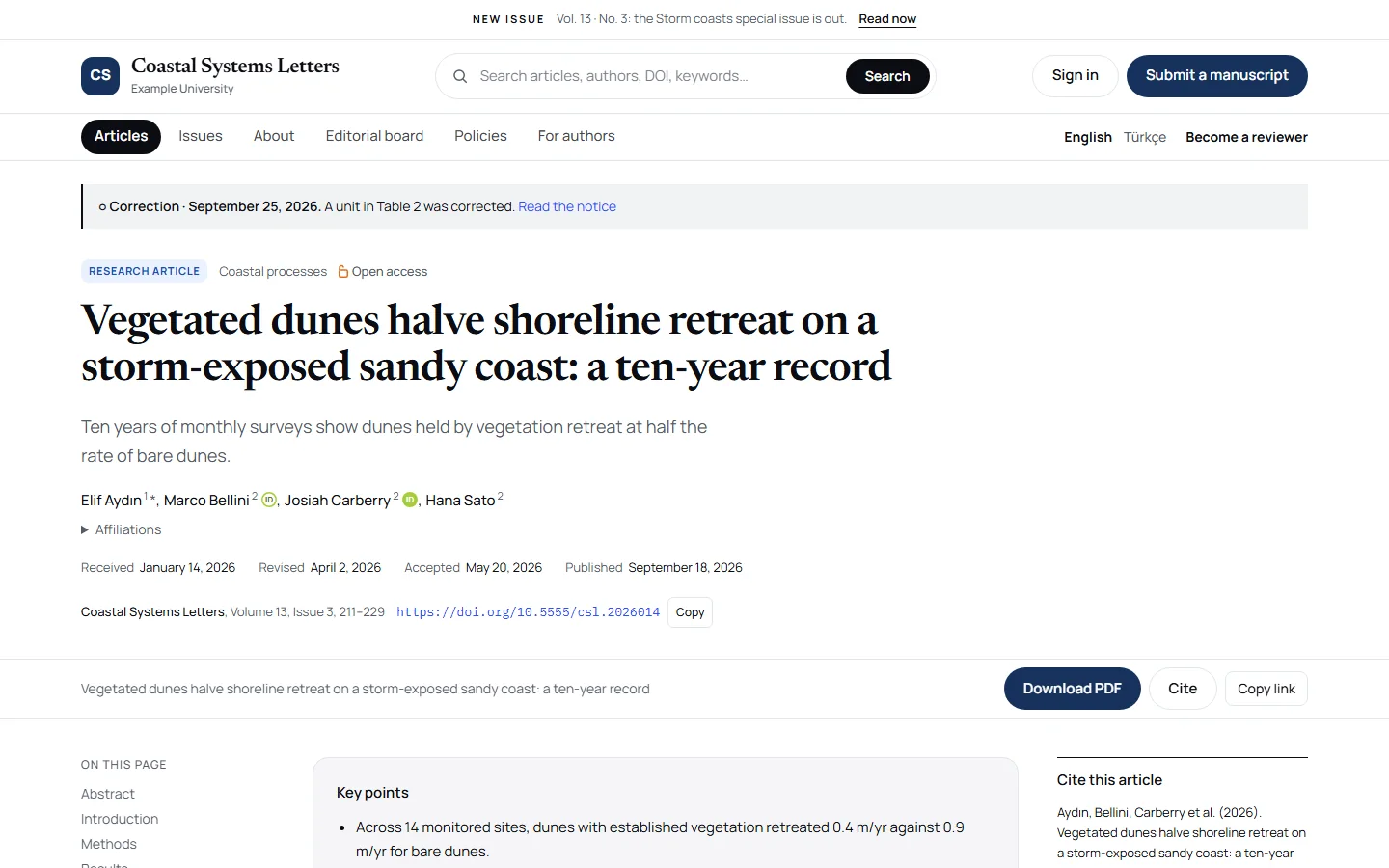
- The article page: Authors with ORCID iDs and ROR affiliations, abstracts, full text with MathML, references, citing works, declarations, supplementary files and the peer-review record.
- Published records only: Public pages connect to the database through a read-only role and see published records only.
Engineering
The care an academic record calls for
A journal's record is cited for years, and reviewers' identities, the reasons behind decisions and authors' personal data must be protected for just as long. JournalOS is therefore built to keep each journal's data apart, to put every action on the record and to pass every release through automated tests.
- A database for each journal: Each journal's data is held in its own database, and end-to-end tests check that no journal can reach another's.
- Regional cells: Journals can be moved between cells together with their databases; the shared directory holds routing information only.
- Audit log: An append-only log in which each entry is chained to the one before, so that a later change breaks the chain and is detected.
- Authentication: Two-step verification with backup codes, passkeys, ORCID sign-in and an institution's own sign-in (OIDC, with SAML and LDAP through a broker). Two-step verification is required for editor and administrator roles, and new passwords are checked against lists of breached passwords.
- OWASP ASVS Level 2: 163 of the 212 applicable requirements are met and 40 in part, with the gaps documented. An independent penetration test is planned but has not yet been carried out.
- Accessible documents: The interface is tested against WCAG 2.2 AA, and imprint pages are produced as tagged PDF/UA-1.
- Automated tests: Every release passes some 700 automated tests, including 169 end-to-end scenarios; data separation between journals, accessibility and security checks are among them.
- The journal owns its data: All of a journal's data can be exported with its files as CSV, JSON and JATS, together with a field dictionary and SHA-256 checksums. The same software can also be installed on an institution's own servers.
Frequently asked questions
Does JournalOS typeset the articles?
Yes. Once the final Word file has been converted, JournalOS typesets the whole article in the journal's template: an opening page with the article's details, then the text with its figures, tables, formulas and references, as a tagged PDF. If your journal works with its own typesetter, you can upload the finished PDF instead, and JournalOS adds an imprint page to it. JournalOS also produces the issue's cover and contents, can number the pages through the issue and assembles the issue into a single PDF. The full text is published as HTML on the article page as well.
Are our articles sent to Scopus or Web of Science automatically?
No; those indexes assess journals through their own application processes. For every published article JournalOS sends the Crossref deposit, passes the articles of DOAJ-listed journals to DOAJ and keeps the OAI-PMH records and search-engine tags ready. Indexes read these records.
Do you use AI?
No. Reviewer suggestions rest on matching the submission's terms against reviewer profiles and on reviewers' workload and track record, and each suggestion shows why it was made. JournalOS has no feature that uses AI or a large language model.
Do we need a separate account for similarity checks?
Yes. Similarity checks run on the journal's own iThenticate account, whose API key is entered in the journal's settings. Journals without one can enter a result from another tool by hand. The similarity score does not decide anything by itself.
Recent developments
Current- 20.10.2026
Sign in with ORCID
Authors and reviewers who have linked their ORCID iD can sign in with ORCID on journalos.org and on journal sites. This option is not available to accounts that use two-step verification.
- 19.10.2026
Connecting a domain from the panel
Journals add their own domain in the management panel, which shows the DNS records required; the certificate is issued automatically.
- 19.10.2026
Institution report
Institutions see their journals' submissions, acceptances and times to first decision side by side.
- 19.10.2026
Two-step verification for authors and reviewers
Journals can make two-step verification optional or required for authors and reviewers, and the change is written to the audit log.